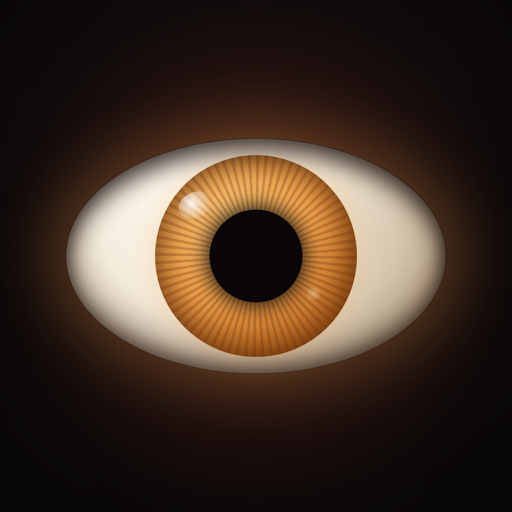
Cut two holes in a painting, line the eyes up with the holes, and put the app behind it. The eyes blink, look around the room, and keep going all night. Free on iPhone, iPad and Android.
Getting it lined up
The canvas is your screen at actual size, so a millimetre on it is a millimetre on the wall. Drag an eye to move it, pinch to resize, and twist with two fingers to rotate. Guides snap the pair level and evenly spaced. When it looks right, hit play: the controls fade out, the screen stays awake, and taps stop moving anything until you swipe back.
Moving Eyes Pro
One payment, no subscription. It adds the rest of the eye styles, the moods and motion controls, and sound reactivity, which makes the eyes turn toward doors, voices and footsteps. Audio for that is analysed on your device and never leaves it.
Something wrong?
Shake the device to open a bug report, or use Report a bug and Send feedback in Settings. Both reach us directly. You can also just email the address below.
Legal
Contact
Questions, bug reports, or just want to say hi? contact@nightjarlabs.llc